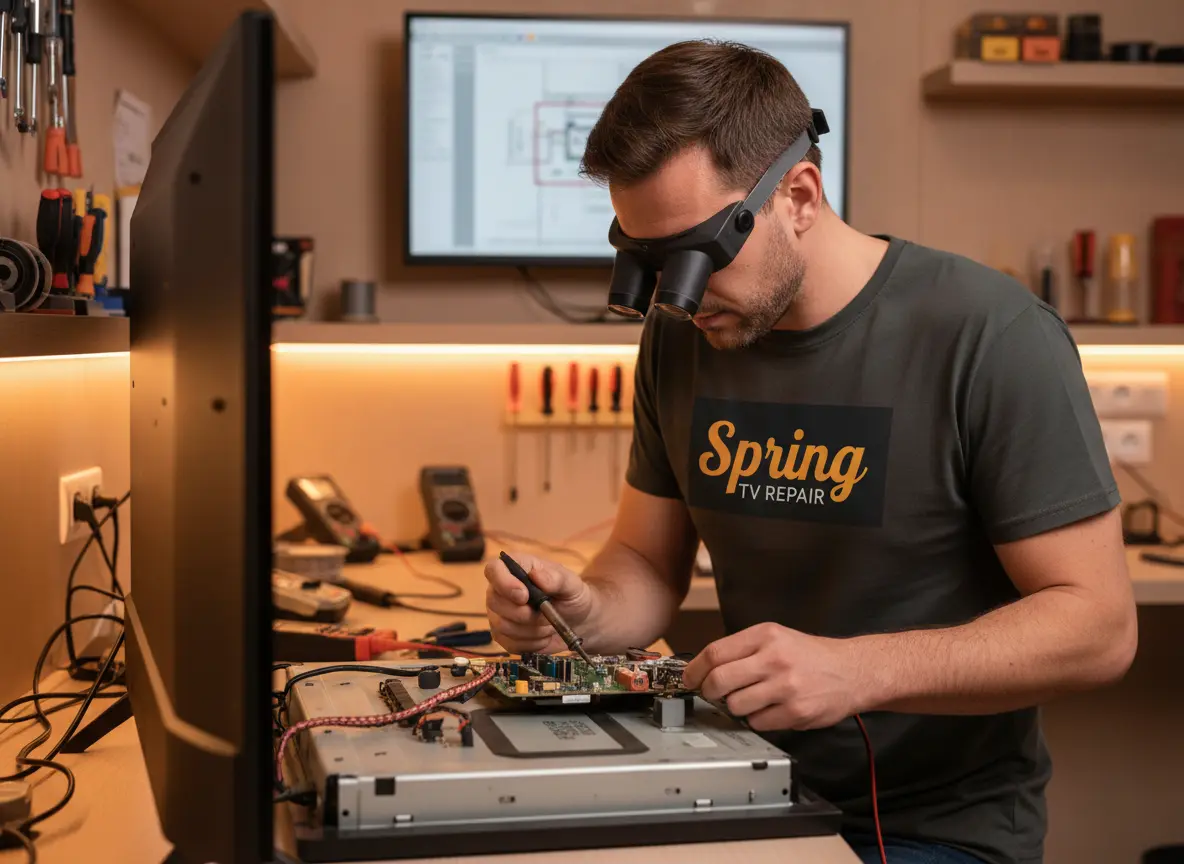
Professional Smart TV Troubleshooting in Spring, TX: Advanced OS & Network Recovery
Is your modern Smart TV exhibiting erratic behavior, frustrating “infinite loops,” or persistent, unexplained connectivity failures? In today’s digital era where televisions function essentially as high-performance computers equipped with complex operating systems, traditional trial-and-error troubleshooting frequently falls short. At Spring TV Repair, we provide elite Smart TV troubleshooting services engineered to resolve deep software conflicts, firmware corruption, and hardware-handshake anomalies. Proudly serving Spring and premier regional neighborhoods like The Woodlands, Klein, and Cypresswood, we are recognized as the definitive regional authority for ‘Smart TV repair near me.’ Don’t let a frozen interface or network dropout disrupt your household entertainment; call us today at (866) 376-1374 for expert, master-level technical intervention.
Ensuring that your television’s digital processing core and onboard software matrix operate smoothly relies heavily on stable foundational system environments and clean network pathways.
If your smart display has experienced sudden power surges or internal circuit board failures alongside your software crash, you can explore our specialized power supply repair solutions to restore safe voltage regulation.
Comprehensive Smart System & Connectivity Engineering
Our advanced troubleshooting methodology utilizes professional network analyzers, packet sniffers, and proprietary software diagnostic tools to accurately isolate and resolve software failures residing deep within the OS kernel, the integrated Wi-Fi/Bluetooth wireless module, or the streaming application runtime layer.
Beyond standard software restoration, if your display is experiencing luminance degradation, dark shadow patches, or backlight failure, our technical team is fully equipped to provide professional backlight replacement work.
Advanced Technical Sub-Services:
- Network & Protocol Optimization: Expertly resolving Wi-Fi 6/6E “invisible” SSID detection errors, complex IP address conflict remediation, and persistent Bluetooth mesh accessory interference.
- Kernel & OS Stability Restoration: Fixing catastrophic system crashes, boot loops, and “bricked” non-responsive states across leading smart platforms including Samsung Tizen, LG webOS, and Sony Google TV architectures.
- Bitrate & Buffer Troubleshooting: Diagnosing high-bandwidth 4K HDR streaming lag, frame dropping, and frustrating audio-sync (lip-sync) delays occurring within the HDMI eARC audio return path.
- Integrated Feature Recovery: Restoring seamless functionality to onboard voice assistants (such as Alexa, Siri, and Google Assistant), wireless casting protocols like AirPlay, and specialized high-refresh gaming modes (VRR/ALLM).
- Digital Security & Firmware Audits: Scanning volatile flash memory for corrupted sectors and ensuring your television’s security root certificates remain completely current for modern streaming app compatibility.
Whether your residence is located in Northgate Crossing or Gleannloch Farms, our fully equipped mobile laboratory brings high-level system administration and software engineering directly to your living room.
Critical Indicators: When Professional Help is Essential
Smart televisions frequently mask underlying hardware degradation behind confusing software glitches and random reboots. You likely require professional engineering service if you observe any of the following warning signs:
- Persistent App Crashes: Core streaming applications like Netflix, Disney+, or YouTube repeatedly crashing back to the home screen despite multiple uninstalls and reinstalls.
- Authentication Failures: The television persistently refuses to store login credentials, streaming tokens, or Wi-Fi security passwords, pointing toward underlying NVRAM flash memory failure.
- Sluggish UI Response: Noticeable, severe input lag when navigating menus or launching apps, often suggesting CPU thermal throttling or background process memory leaks.
- Post-Update Instability: Erratic behavior, audio dropouts, or complete loss of features that began immediately following an automatic manufacturer “firmware push.”
If your software diagnostics indicate broader hardware malfunction or require a complete multi-point evaluation of internal board conditions, you can also learn more about our comprehensive diagnostic inspection workflows.
Technician Note: Most “Smart” connectivity issues encountered in Spring, TX homes are actually caused by local wireless network congestion, channel overlap, or outdated DNS settings within the TV’s network configuration. Our technicians optimize your TV’s internal stack settings to bypass these common regional bottlenecks.
Technical DIY Recovery Procedures
Before requesting a professional mobile technician dispatch to your Spring home, you can attempt these engineering-standard reset procedures safely:
- Cold Boot (Capacitive Discharge): Unplug the television power cord entirely from the wall outlet and press and hold the physical power button on the TV chassis for 30 seconds. Wait 10 full minutes before reconnecting power to completely clear volatile memory registers.
- Bandwidth Isolation: Connect your Smart TV directly to your home router using a high-speed Ethernet (Cat6) cable to instantly determine whether the streaming lag stems from local Wi-Fi environmental interference or the TV’s internal hardware.
- System Cache Purge: Navigate into the television’s “Application Manager” settings menu and manually clear the temporary cache data for individual streaming apps to resolve “stuck” video playback or stuttering.
Furthermore, to ensure your overall home theater acoustic performance matches your newly restored smart interface clarity, we also specialize in precise audio system repair work.
The Spring TV Repair Smart Advantage
Why local residents trust our digital troubleshooting specialists:
- Master-Level OS Knowledge: Our technicians maintain professional certifications across all major smart television platforms, ranging from Roku and Fire TV to advanced Android TV and Google TV systems.
- On-Site Mobile Dispatch: We proudly serve Klein and Cypresswood with fully stocked, specialized diagnostic mobile units—meaning there is never any need to risk transporting your fragile large-format display.
- Transparent Flat-Rate Diagnosis: We provide a clear, data-driven report explaining the exact software or hardware root cause before any repair or recovery work begins. Call (866) 376-1374 for an upfront quote.
- Integrated Warranty Protection: Every troubleshooting session, software optimization, and subsequent hardware repair is fully backed by our comprehensive 90-day stability guarantee.
For any final questions regarding network compatibility, wall mounting, or scheduling assistance, you can always reach out via our dedicated contact us page.
Smart TV FAQs
1. Can you fix my Smart TV if it refuses to connect to my newly installed mesh Wi-Fi network?
Yes, absolutely! Modern whole-home mesh Wi-Fi systems frequently utilize advanced WPA3 security protocols or combined 5GHz/6GHz smart bands that older Smart TV network adapters struggle to recognize or handshake with. We specialize in configuring legacy device compatibility on modern high-speed networks.
2. Will performing a deep system software reset delete my custom picture calibration settings?
Usually, a factory reset does revert settings to default. However, our certified technicians always attempt to back up your custom picture, HDR, and sound calibration profiles prior to executing deep system resets to ensure your personalized viewing experience remains completely untouched.
3. What options do I have if my Smart TV model is no longer supported by the manufacturer with updates?
Even when a manufacturer drops official software updates, we can often breathe new life into an “obsolete” Smart TV by performing a deep operating system cleanup and seamlessly integrating external high-performance streaming hardware (such as 4K streaming sticks or boxes) that harnesses your display’s peak panel quality.
4. Can corrupted app data cause my television to freeze completely or reboot randomly?
Yes. Over time, accumulated cache bloat and interrupted background updates can corrupt system partitions, triggering infinite reboot loops or total UI freezes that require professional intervention to clear.
5. How long does a typical on-site smart system diagnostic and software recovery take?
Most advanced software troubleshooting, firmware recovery, and network optimization procedures are completed efficiently within 1 to 2 hours during our initial on-site visit.
Restore Your Smart TV’s Intelligence Today!
Contact Spring TV Repair at (866) 376-1374 for the most reliable troubleshooting in Spring, TX!
Call (866) 376-1374 NowIf you have any problem regarding Smart TV Troubleshooting and TV Repair, please contact us or call at (866) 376-1374.