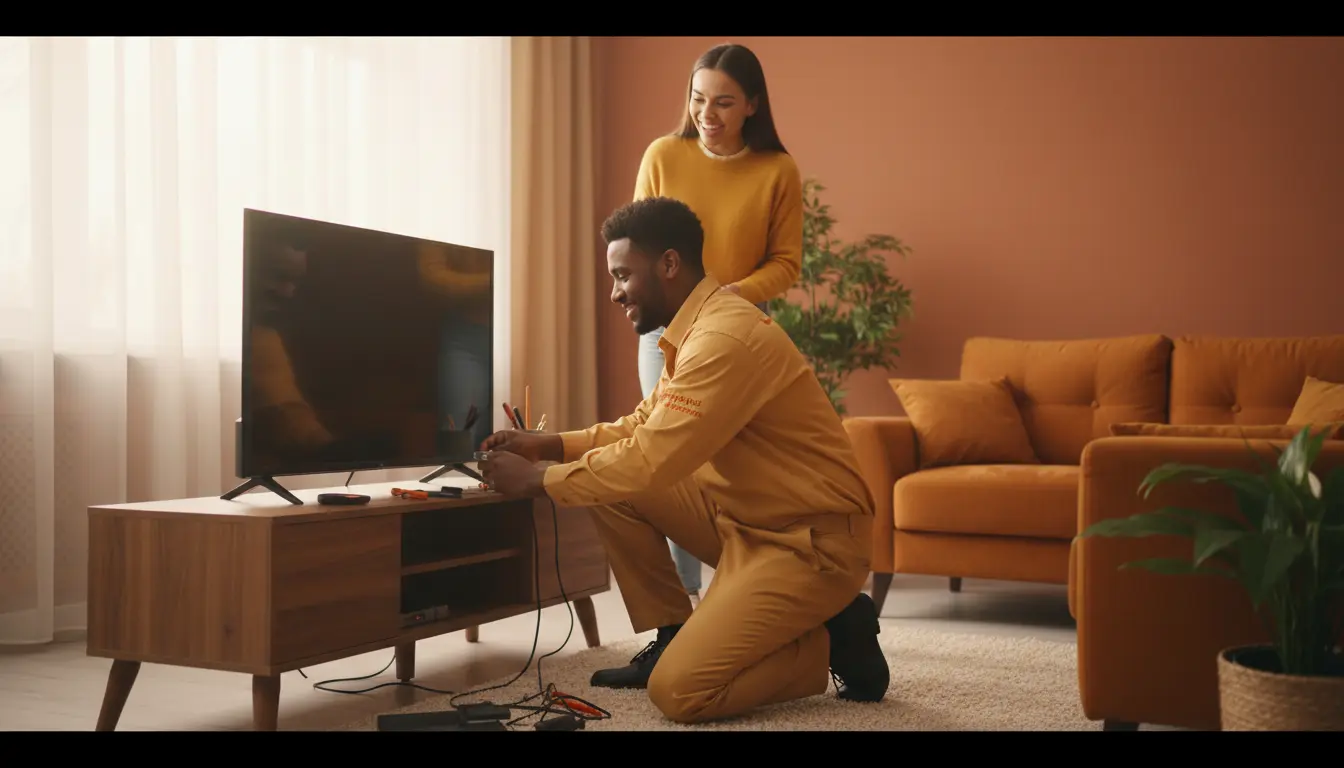
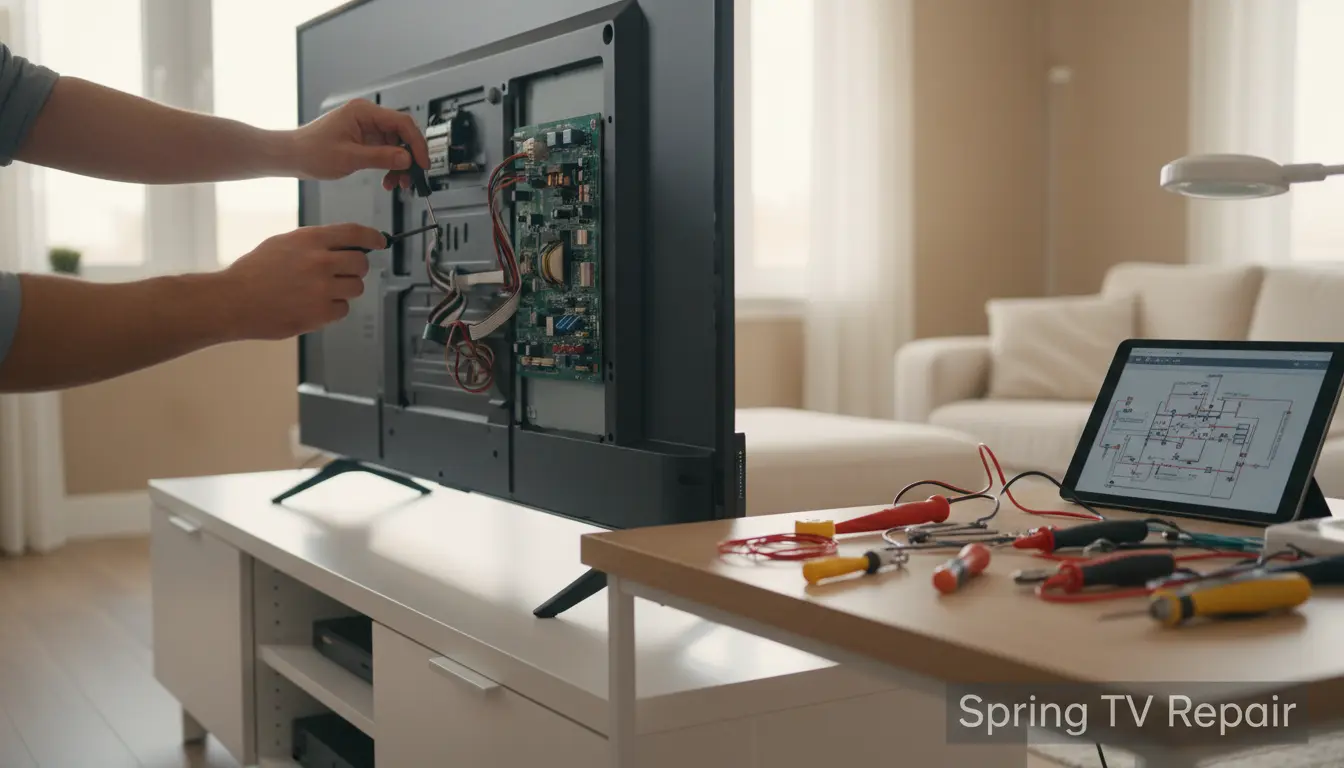
As the warm Texas sun rises over Spring, TX, families gather around their living rooms for movie nights, binge-watching sessions, and catching the latest episodes of their favorite shows. But what happens when your trusty TV starts acting up? In a bustling community like Spring, where outdoor activities at the Spring Lake Park or weekend barbecues are the norm, a malfunctioning television can put a damper on your indoor entertainment plans. That’s where Spring TV Repair comes in—we’re your local experts dedicated to getting your screens back to crystal-clear perfection.
Ignoring subtle (or not-so-subtle) signs of TV distress can lead to bigger problems and costly replacements. In this guide, we’ll walk you through five common indicators that it’s time to call in professional help. Whether you’re dealing with a smart TV glitch or an older model on the fritz, early detection can save you time and money. Let’s dive in and ensure your Spring home entertainment stays uninterrupted.
Why Spring Residents Should Prioritize TV Maintenance
Living in Spring, TX, means dealing with humid summers and occasional storms that can affect electronics. High humidity levels around the area can cause internal components to corrode, while power surges from thunderstorms are a real threat to your TV’s delicate circuitry. Regular maintenance isn’t just about longevity—it’s about reliability during those cozy evenings after a day exploring the nearby The Woodlands.
The Impact of Local Weather on Your TV
Spring’s subtropical climate can accelerate wear and tear. Dust from nearby construction or pollen during allergy season might infiltrate vents, leading to overheating. If you’ve noticed your TV struggling after a humid day, it could be more than just bad luck. Proactive checks, like cleaning vents and ensuring proper ventilation, can prevent issues, but when problems arise, trust our team for thorough diagnostics.
Sign 1: The Screen Is Flickering or Dimming
One of the most frustrating issues Spring TV owners face is a flickering or unusually dim screen. This isn’t just annoying—it’s often a cry for help from your TV’s backlight or inverter board.
Common Causes and Quick Checks
Flickering might stem from loose connections, a failing power supply, or even outdated firmware on smart TVs. In Spring’s variable lighting—from bright afternoons to dim evenings—this can make viewing impossible. Start by checking cable connections and adjusting brightness settings. If the problem persists, it could indicate deeper issues like a worn-out LED backlight.
For residents in Spring, where family game nights are a staple, don’t let a flickering screen ruin the fun. Our LCD screen repair services can diagnose and fix these problems efficiently, often restoring your TV the same day.
Actionable Tip: Test in Different Modes
Try switching inputs or running a built-in diagnostic if your model has one. If the flicker worsens during high-definition content, it’s likely time for professional intervention to avoid permanent damage.
Sign 2: No Sound or Distorted Audio
Picture-perfect visuals are great, but without sound, your Spring Spurs game-watching or Netflix marathon falls flat. Audio issues are common and can range from simple fixes to complex repairs.
Diagnosing Audio Problems
Muted speakers, crackling, or intermittent silence often point to faulty audio boards, damaged speakers, or software glitches. In humid Spring weather, corrosion on audio components is a frequent culprit. Check volume settings, external devices, and HDMI cables first. If you’re still met with silence, it might be an internal wiring issue.
Spring TV Repair specializes in audio diagnostics, ensuring your home theater setup in this vibrant community sounds as good as it looks. We’ve helped countless locals restore booming sound for everything from holiday movies to local news broadcasts.
Practical Advice: Reset and Update
Perform a factory reset or update your TV’s firmware via the settings menu. For persistent problems, avoid DIY speaker replacements—our experts handle it safely to prevent voiding warranties.
Sign 3: Colors Are Washed Out or Inaccurate
Has your once-vibrant screen turned into a sea of pastels? Color distortion is a red flag that your TV’s color wheel, T-con board, or panel is failing.
Why This Happens in Spring Homes
Exposure to direct sunlight through large windows common in Spring residences can fade panels over time. Dust buildup exacerbates this, leading to uneven color distribution. If you’re noticing greens looking yellow or reds bleeding into pinks, it’s not your eyes—it’s your TV.
Step-by-Step Troubleshooting
Calibrate your TV’s color settings using the built-in tools. Clean the screen gently with a microfiber cloth to remove smudges. If calibration doesn’t help, professional LCD screen repair is essential to realign components without risking further damage.
In Spring, TX, where outdoor colors pop during spring blooms, you deserve indoor viewing that matches. Our technicians use advanced tools to restore true-to-life hues, keeping your entertainment immersive.
Sign 4: Overheating and Shutdowns
Your TV shutting off randomly? Overheating is a serious sign, especially in Spring’s warmer months when AC strains can push electronics to their limits.
Identifying Overheating Risks
Blocked vents, failing fans, or power supply issues cause excessive heat buildup. In Texas heat, this is amplified—your TV might enter protective mode, powering down to cool off.
Prevention Tips for Spring Locals
Ensure at least 4-6 inches of space around your TV for airflow. Avoid placing it near heat sources like fireplaces. Regularly dust vents to prevent clogs from local pollen. If shutdowns continue, our repair team can inspect and replace faulty cooling components.
For families in Spring enjoying backyard views from inside, a reliable TV is key. We offer same-day service to minimize downtime.
Sign 5: Remote Control or Connectivity Failures
Struggling with a unresponsive remote or Wi-Fi dropouts? Connectivity woes signal potential main board failures or software corruption.
Troubleshooting Smart TV Connections
Replace remote batteries and re-pair it. For smart TVs, restart your router and check for network interference—common in densely populated Spring neighborhoods. If apps crash or streaming buffers endlessly, it’s likely an internal issue.
When to Call the Pros
Persistent problems might require board-level repairs. Spring TV Repair excels in diagnosing connectivity, ensuring seamless streaming for your The Woodlands commutes’ wind-down sessions.
Upgrade to our optimized setups for buffer-free viewing of local events or national broadcasts.
FAQ: Common TV Repair Questions in Spring, TX
1. How much does TV repair cost in Spring, TX?
Costs vary by issue, but basic repairs start at $99. Spring TV Repair provides free diagnostics to give transparent quotes upfront.
2. Can I fix my TV flickering at home?
Minor fixes like cable checks help, but for backlight issues, professional LCD screen repair is recommended to avoid worsening the problem.
3. How long does TV repair take?
Most repairs are completed in 1-2 days. We offer pickup services for Spring residents to make it hassle-free.
4. Is it worth repairing an older TV?
Absolutely, if it’s under 7 years old. Our experts assess viability, often saving you hundreds over buying new.
5. Do you serve areas beyond Spring?
Yes, including nearby The Woodlands and surrounding communities for convenient TV solutions.
Conclusion: Don’t Let TV Troubles Dim Your Spring Vibes
Spotting these five signs early—flickering screens, audio glitches, color issues, overheating, and connectivity fails—can keep your entertainment hub running smoothly. In Spring, TX, where life moves at a lively pace, you deserve a TV that keeps up. At Spring TV Repair, we’re committed to fast, affordable, and expert service tailored to our local community.
Ready to revive your TV? Contact Spring TV Repair today for a free quote and get back to enjoying your shows without interruption. Your perfect viewing experience awaits!