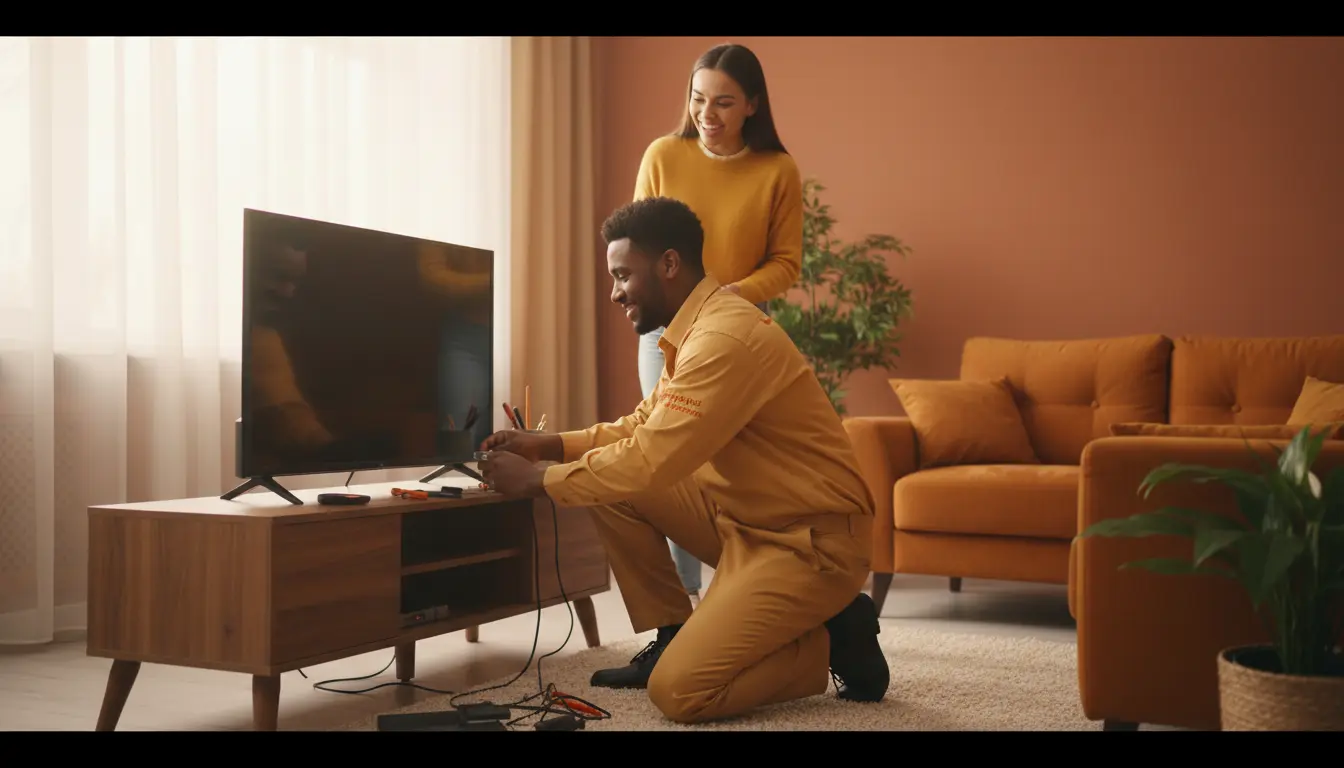
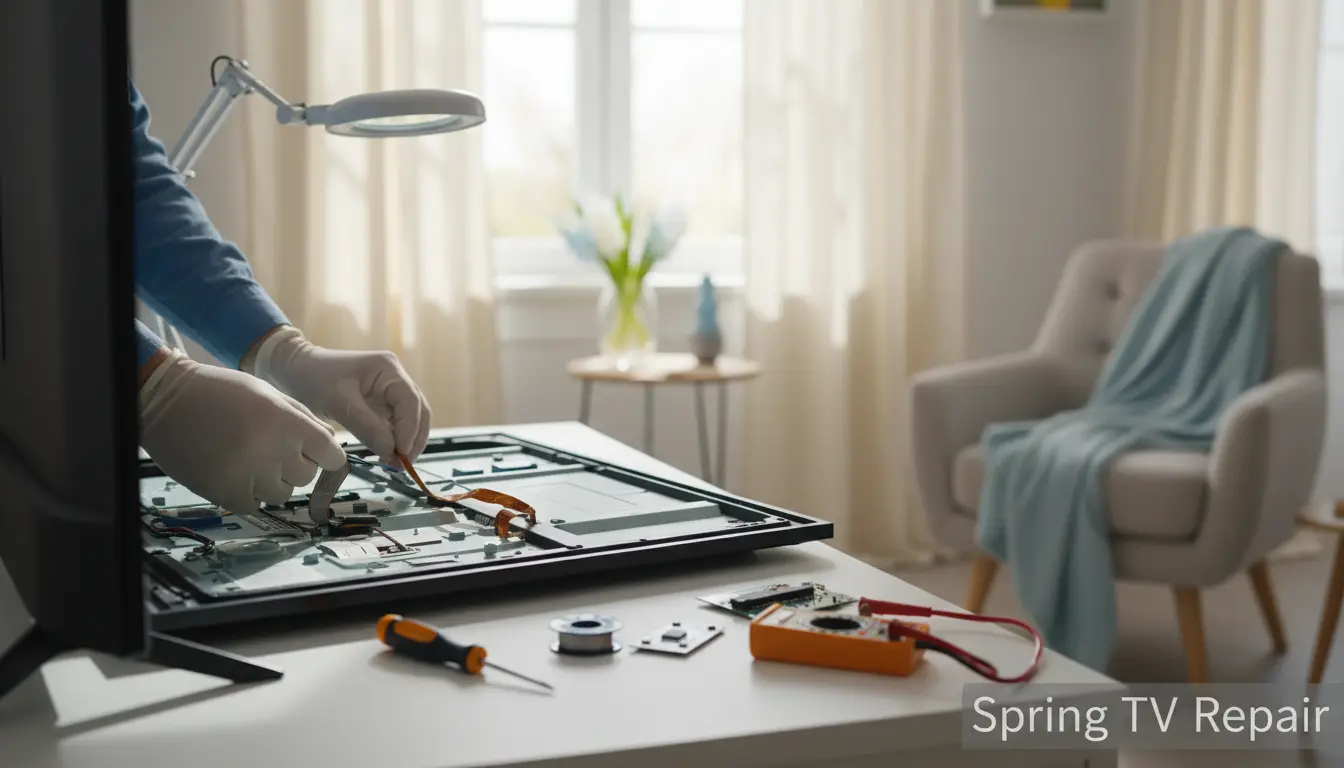
As the flowers bloom and the sun shines brighter in Spring, Texas, there’s nothing quite like kicking back in your cozy living room to enjoy your favorite shows on a crisp, clear TV screen. But what happens when that screen starts acting up? A cracked display, flickering lights, or stubborn dead pixels can turn your spring refresh into a frustrating ordeal. At Spring TV Repair, we’ve seen it all—from busy families in Spring Trails to tech enthusiasts in nearby Shenandoah dealing with screen woes. This ultimate guide is your go-to resource for understanding, troubleshooting, and fixing TV screen issues right in your Spring home. Whether it’s a minor glitch or a major malfunction, we’ll walk you through practical solutions and when to call in the pros. Let’s get your entertainment setup back to perfection!
Common TV Screen Problems in Spring Homes
Living in Spring means dealing with Texas humidity, occasional storms, and the wear-and-tear of family movie nights. These factors can accelerate TV screen issues. Here’s a breakdown of the most frequent culprits we encounter at Spring TV Repair.
Cracked or Shattered Screens
Accidents happen—whether it’s a rogue remote in Cypresswood or kids roughhousing in Tomball. Cracked screens are one of the top issues we fix. Signs include visible fissures, distorted colors, or touch responsiveness failure on smart TVs.
Practical Tip: If you spot a crack, power off the TV immediately to prevent further damage from electrical shorts. Avoid DIY adhesives; they can worsen the problem. For professional plasma TV repair, contact Spring TV Repair—we specialize in seamless replacements using OEM parts.
Dead Pixels and Color Distortions
Dead pixels appear as tiny black, white, or colored dots that won’t change. In humid Spring weather, overheating can cause these. Color distortions might show as washed-out hues or unnatural tints.
Actionable Advice: Try a pixel refresher mode if your TV has one (check your manual). Gently massage the area with a soft cloth—never press hard. Persistent issues? Our backlight replacement services can restore uniformity, especially for LED and OLED models common in Magnolia homes.
Flickering or Black Spots
Flickering often stems from loose connections or failing backlights, exacerbated by power surges during Spring thunderstorms. Black spots could indicate backlight failures or internal dust buildup.
Pro Tip: Unplug the TV for 10 minutes to reset. Clean vents with compressed air to prevent overheating. For deeper fixes, like integrating better sound system integration that doesn’t strain the display, Spring TV Repair offers comprehensive diagnostics.
DIY Troubleshooting Steps for TV Screen Fixes
Before calling a technician, arm yourself with these step-by-step DIY methods tailored for Spring residents. These can save time and money, but remember, we’re just a call away for complex repairs.
Step 1: Basic Power and Connection Checks
Start simple. Ensure all cables are secure—HDMI, power cords, and antennas. In areas like Spring Trails, where power fluctuations are common, use a surge protector.
- Unplug everything for 5-10 minutes.
- Reconnect and test on a different outlet.
- Update firmware via your TV’s settings menu for software glitches.
If issues persist, it might be hardware-related, linking to our expertise in tuner repair.
Step 2: Cleaning and Maintenance Routines
Dust and fingerprints are enemies of clear screens, especially in pollen-heavy Spring seasons.
How-To: Use a microfiber cloth lightly dampened with distilled water and vinegar (1:1 ratio). Wipe gently in circular motions. Avoid harsh chemicals that could etch the screen.
For vintage sets popular in historic Spring neighborhoods, consider our vintage TV restoration to maintain that nostalgic glow without modern mishaps.
Step 3: Software and Settings Adjustments
Many screen problems are software-based. Navigate to picture settings:
- Adjust brightness/contrast for distortions.
- Enable eco-mode to reduce backlight strain.
- Run a factory reset as a last resort (back up apps first).
Local Insight: In Cypresswood, where smart homes are booming, ensuring compatibility with devices like Alexa can prevent signal interferences causing screen flickers.
When to Call Professional TV Repair in Spring
DIY has its limits. If troubleshooting fails, or you notice bulging screens (a fire hazard!), it’s time for experts. Spring TV Repair serves all of Spring and surrounding areas like Tomball and Magnolia with same-day diagnostics.
Signs You Need Pros
- Persistent cracks spreading.
- No improvement after resets.
- Unusual heat or buzzing sounds.
We use state-of-the-art tools for precise fixes, ensuring your TV looks brand new. For instance, in Shenandoah, we’ve restored countless screens damaged by summer storms—don’t let yours join the list.
Local Reference: As Spring’s trusted repair shop, we understand the unique challenges of our community’s climate. Our mobile technicians can come to your home in Spring Trails, minimizing downtime during family gatherings.
Advanced Screen Repair Techniques
For those curious about the tech behind fixes, here’s what professionals like us at Spring TV Repair employ.
Backlight and LED Repairs
LED backlights fail over time, causing dimness. We replace modules efficiently, often under warranty for newer models.
LCD/Plasma Screen Replacements
Full replacements involve sourcing matching panels. For plasma TVs, which are rarer but beloved in vintage setups, our specialized plasma TV repair revives them affordably.
OLED and QLED Specific Fixes
These premium screens suffer burn-in from static images. We apply pixel-shifting software and cleaning protocols to mitigate.
Tip for Spring Homes: With rising energy costs, upgrading to efficient QLED during repairs can save on bills—pair it with our sound system integration for a home theater upgrade.
Preventive Measures for Lasting TV Screens
Prevention beats cure. Here’s how to safeguard your screen year-round in Spring’s variable weather.
- Position away from direct sunlight to avoid heat damage.
- Use wall mounts in earthquake-prone areas (yes, Texas has them!).
- Schedule annual check-ups with Spring TV Repair.
In Magnolia, where outdoor viewing is popular, protect indoor TVs from tracked-in dirt by using screen guards.
FAQ: TV Screen Fixes
1. How much does TV screen repair cost in Spring?
Costs vary by model and issue—cracks start at $200, backlights around $150. Spring TV Repair offers free quotes; contact us for specifics.
2. Can I fix a cracked TV screen myself?
Minor scratches yes, but cracks require pro tools to avoid voiding warranties. We’re experts in safe backlight replacement and more.
3. How long does a TV screen repair take?
Most jobs are 1-3 days. In urgent cases for areas like Cypresswood, we prioritize same-day service.
4. Are all TV screen issues fixable?
Over 90% are, from dead pixels to full replacements. For vintage pieces, our vintage TV restoration works wonders.
5. Does Spring’s humidity affect TV screens?
Yes, it promotes condensation. Use dehumidifiers and regular maintenance to prevent fogging or corrosion.
Conclusion: Get Your Spring TV Screen Fixed Today
Your TV screen is the window to endless entertainment, stories, and family bonding—don’t let glitches dim that joy. From DIY tips to professional interventions, this guide equips you to tackle screen fixes head-on. But for peace of mind, especially in Spring’s demanding environment, rely on Spring TV Repair. Serving Shenandoah, Tomball, and beyond, we’re committed to crystal-clear results. Ready to revive your display? Schedule a repair with us today and enjoy uninterrupted viewing this spring season!
(Word count: approximately 1250)