
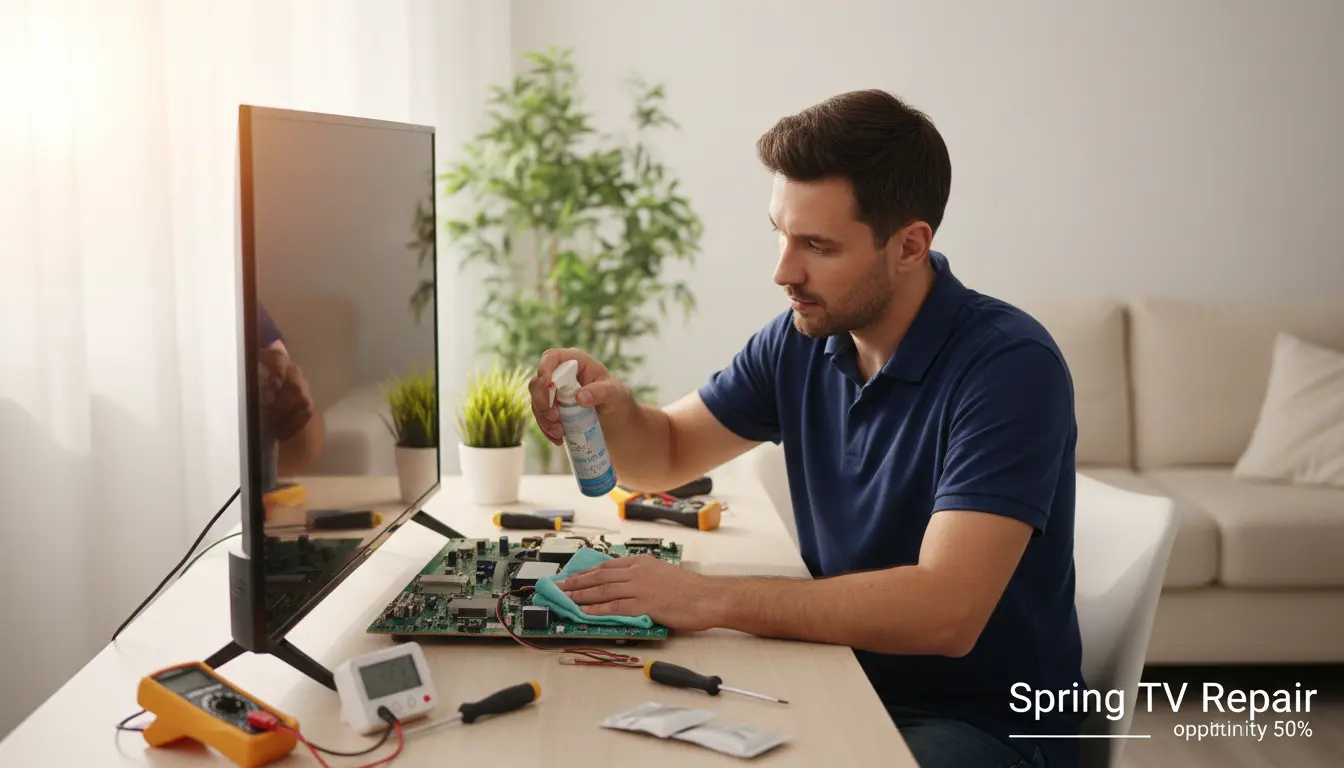
As the flowers bloom and the temperatures rise in Spring, Texas, so does the humidity. For residents in areas like Pebble Creek and Benders Landing, this seasonal shift brings more than just sticky air—it can wreak havoc on your home electronics, especially your TV. At Spring TV Repair, we’ve seen firsthand how moisture infiltration leads to foggy screens, malfunctioning remotes, and even costly internal damage. But don’t worry; with the right maintenance strategies, you can keep your entertainment setup running smoothly through the muggy months.
In this guide, we’ll dive into practical, actionable tips tailored for Spring’s unique climate. Whether you’re binge-watching your favorite shows or catching the latest local news, protecting your TV ensures uninterrupted enjoyment. Let’s explore how to safeguard your device and when to call in the pros for services like remote control programming.
Understanding Humidity’s Impact on Your TV
Humidity isn’t just uncomfortable—it’s a silent threat to your TV’s internals. In Spring, where springtime relative humidity often exceeds 70%, excess moisture can condense inside your device, leading to corrosion on circuit boards and short circuits. This is particularly problematic for older models or those in poorly ventilated rooms.
Why Spring Weather is Tough on Electronics
Spring in Spring, TX, brings a mix of warm Gulf breezes and frequent showers, creating ideal conditions for mold growth and static buildup. TVs, with their sensitive components like capacitors and displays, are vulnerable. For instance, plasma TVs are especially prone to heat and moisture damage, which can cause pixel burnout or panel warping. If you’re in Imperial Oaks, where homes often feature enclosed entertainment centers, this risk amplifies.
High humidity can also attract dust and allergens, clogging vents and forcing your TV to overheat. Over time, this leads to reduced picture quality or complete failure. According to industry experts, electronics in humid environments fail up to 30% faster without proper care. Understanding these risks is the first step to proactive maintenance.
Essential Daily and Weekly Maintenance Routines
Consistency is key to combating humidity. Incorporate these habits into your routine to minimize moisture exposure and keep your TV in top shape.
Keep It Dry and Well-Ventilated
Start by ensuring your TV has at least 4-6 inches of space around it for airflow. In humid Spring homes, position your TV away from windows or exterior walls to avoid direct moisture ingress. Use a dehumidifier in the room—aim for 40-50% relative humidity. For families in Spring Trails, where basements can get particularly damp, this is non-negotiable.
If your setup involves wall mounting, consider our wall mount installation services to elevate your TV above floor-level humidity. Regularly check for condensation on the screen after rainy days; if present, gently wipe it with a microfiber cloth.
Cleaning Without Causing Damage
Dust and humidity go hand in hand, so clean your TV weekly. Turn it off and unplug it first. Use compressed air to blow out vents, avoiding vacuums that might generate static. For the screen, a 50/50 mix of distilled water and white vinegar works wonders—dampen, not soak, a soft cloth and wipe in gentle circles.
Steer clear of household cleaners, as they can leave residues that attract more moisture. In Spring’s pollen-heavy springs, this routine prevents buildup that could lead to cable connection repair needs down the line.
Advanced Protection Strategies for Long-Term Durability
Beyond basics, these tips address deeper issues common in our local climate.
Invest in Protective Accessories
Silica gel packets or dehumidifying gels placed near (but not touching) your TV can absorb excess moisture. For outdoor or semi-outdoor setups popular in Humble backyards, opt for weatherproof covers when not in use. Anti-glare screen protectors also help by repelling moisture while improving visibility in bright, humid conditions.
If your TV runs on outdated software, humidity can exacerbate glitches. Schedule a firmware update service to optimize performance and add moisture-resistant features in newer models.
Monitor and Adjust Settings for Humidity
Modern TVs have eco-modes that reduce internal heat buildup—enable them during Spring. Lower brightness slightly to cut energy use and heat, which worsens condensation. Use built-in sensors if available to auto-adjust based on room conditions. For plasma owners, this is crucial; consult our plasma TV repair experts if you notice unusual flickering, a common humidity symptom.
Regularly inspect cables for corrosion—twist and check connections monthly. In Spring’s variable weather, loose cables from expansion/contraction can cause intermittent issues.
Troubleshooting Common Humidity-Related Problems
Even with prevention, problems arise. Here’s how to spot and fix them early.
Signs Your TV is Suffering from Humidity
Watch for dimming screens, unusual noises from fans struggling against moist air, or remote unresponsiveness due to signal interference. In severe cases, you’ll see water spots or mold inside vents. If these occur, power down immediately and contact Spring TV Repair for diagnostics.
Quick Fixes Before Professional Help
For minor issues, dry the exterior thoroughly and run a fan nearby. Reset your TV to factory settings if software acts up, but avoid DIY internals—humidity damage often requires specialized tools. Our team serves all of Spring, from Pebble Creek to Humble, with same-day response for urgent cases.
FAQ: Maintaining Your TV in Humid Weather
How often should I use a dehumidifier near my TV?
In Spring’s humid springs, run it daily in the TV room, targeting 45% humidity. Empty it regularly to maintain efficiency.
Can humidity damage my TV’s warranty?
Yes, moisture-induced failures often void warranties. Prevent this with our maintenance tips or professional inspections from Spring TV Repair.
What if my remote stops working in humid weather?
Humidity can affect batteries and signals. Try new batteries first; if persistent, our remote control programming service can recalibrate it.
Is it safe to use my TV during a thunderstorm in Spring?
Unplug it to avoid surges, common with our area’s storms. For ongoing protection, consider surge protectors tailored for humid environments.
How do I know if my TV needs professional repair?
Persistent fogging, color distortion, or power issues signal internal damage. Don’t delay—reach out to Spring TV Repair for a free assessment.
Conclusion: Protect Your TV and Enjoy Spring Stress-Free
Spring’s humid weather doesn’t have to dim your viewing experience. By implementing these tips—from ventilation and cleaning to advanced protections—you’ll extend your TV’s life and avoid unexpected breakdowns. At Spring TV Repair, we’re committed to keeping your entertainment reliable in our local climate, whether you’re in Benders Landing or Imperial Oaks.
If humidity has already taken a toll, don’t hesitate to contact us for expert repairs. Schedule an appointment today at Spring TV Repair and reclaim your crystal-clear picture. Call now or visit our site—your TV deserves the best care in Spring, TX!