Is your Smart TV turning movie nights into frustrating lag fests? In the heart of Spring, Texas, where families unwind after a day in neighborhoods like Benders Landing or Cochrons Crossing, a slow Smart TV can dampen the vibe. Whether you’re binge-watching your favorite shows or catching up on local news, nothing ruins the experience like buffering and delays. At Spring TV Repair, we’ve seen it all—from outdated software bogging down systems to hardware glitches in high-use homes. Don’t worry; this guide is your roadmap to reviving your Smart TV’s performance. We’ll cover why slowdowns happen, simple DIY solutions, and when it’s time to call in the pros serving Spring and surrounding areas like Conroe and Champion Forest.
As Spring residents know, our humid Texas climate and frequent power fluctuations can take a toll on electronics. But with the right fixes, you can get back to seamless entertainment. Let’s dive in and get your TV running like new.
Understanding Smart TV Slowdowns: Common Causes
Smart TVs are essentially mini-computers packed with apps, streaming services, and smart features. Over time, they can slow down due to various reasons. Identifying the root cause is the first step toward a fix.
Software Overload and Outdated Firmware
One of the top culprits is bloated software. As you install apps like Netflix, Hulu, or local streaming options for Spring events, your TV’s memory fills up. Outdated firmware exacerbates this, leading to compatibility issues with new content. In Spring’s tech-savvy communities, such as Woods of Northgate, residents often report slowdowns after major updates from brands like Samsung or LG.
Firmware glitches aren’t just annoying—they can cause the entire interface to crawl. If you’ve noticed your TV taking ages to boot up, it’s likely time for an update. For professional assistance, check out our Firmware Update Service tailored for Spring households.
Hardware Limitations and Wear
Hardware plays a big role too. Dust buildup in vents, especially in dusty Spring backyards, can overheat components, throttling performance. Aging hard drives or insufficient RAM in older models lead to lag during multitasking, like switching from cable to apps.
In areas like Benders Landing, where homes are filled with family entertainment setups, heavy usage accelerates wear. If your TV’s HDMI ports are finicky, that could signal deeper issues—consider our HDMI Port Replacement for reliable connections.
Network and Connectivity Problems
A slow internet connection is a silent killer for Smart TVs. Spring’s variable broadband speeds, influenced by local providers, can make streaming feel like watching paint dry. Interference from nearby devices or weak Wi-Fi signals in larger homes around Cochrons Crossing compound the problem.
DIY Fixes to Speed Up Your Smart TV
Before calling in experts, try these practical, step-by-step tips. Most Spring residents can handle them with basic tools and a bit of patience. These methods have helped countless locals restore their TVs without hassle.
Restart and Reset: The Quick Wins
Start simple: power cycle your TV. Unplug it from the wall for 5-10 minutes, then plug it back in. This clears temporary glitches and refreshes the system. For a deeper clean, perform a factory reset—but back up your apps first, as this erases settings.
In Spring’s warm climate, overheating is common, so ensure your TV has space around it for airflow. Place it away from direct sunlight streaming through windows overlooking Champion Forest greenspaces.
Clear Cache and Manage Apps
Smart TVs accumulate cache from apps, slowing things down. Navigate to your TV’s settings menu (usually under ‘Apps’ or ‘Storage’) and clear the cache for heavy users like YouTube or Disney+. Uninstall unused apps to free up space—aim for at least 20% free storage.
Pro tip for Spring families: During spring cleaning season, make this a monthly ritual. It keeps your device nimble for holiday marathons or local sports streams from Conroe teams.
Update Software and Optimize Settings
Check for system updates in the settings menu. Manufacturers release patches to fix slowdowns—install them promptly. Disable unnecessary features like auto-updates or energy-saving modes that throttle performance during peak hours.
For picture quality, lower resolution settings if your internet can’t keep up, reducing strain. In neighborhoods like Woods of Northgate, where high-speed plans vary, this tweak alone can cut lag by 50%.
Improve Your Network Setup
Boost Wi-Fi by placing your router centrally in your Spring home. Use a wired Ethernet connection if possible for stable streaming. Restart your modem alongside the TV, and consider a mesh network for larger properties in areas like Benders Landing.
If remote issues arise from connectivity woes, our Remote Control Programming ensures seamless control without added frustration.
Advanced Fixes: Hardware Tweaks for Persistent Issues
If DIY doesn’t cut it, hardware might be the issue. While we recommend professional handling, here’s what to watch for.
Cleaning Internal Components
Dust inside your TV can cause overheating. If comfortable, open the back panel (voids warranty on some models) and use compressed air to clean fans and vents. In Spring’s pollen-heavy springs, this is crucial— but leave it to pros if unsure.
For LED models common in local homes, our LED TV Repair service addresses dust-related slowdowns efficiently.
Upgrading Storage or Components
Older Smart TVs lack expandable storage. External USB drives can offload media, but for internal upgrades, consult experts. In Conroe-adjacent Spring, where tech upgrades are popular, this can extend your TV’s life by years.
When to Seek Professional Help from Spring TV Repair
DIY fixes work for minor issues, but persistent slowdowns signal deeper problems like failing processors or corrupted firmware. That’s where Spring TV Repair shines—we’re your local experts serving Spring and nearby spots like Champion Forest.
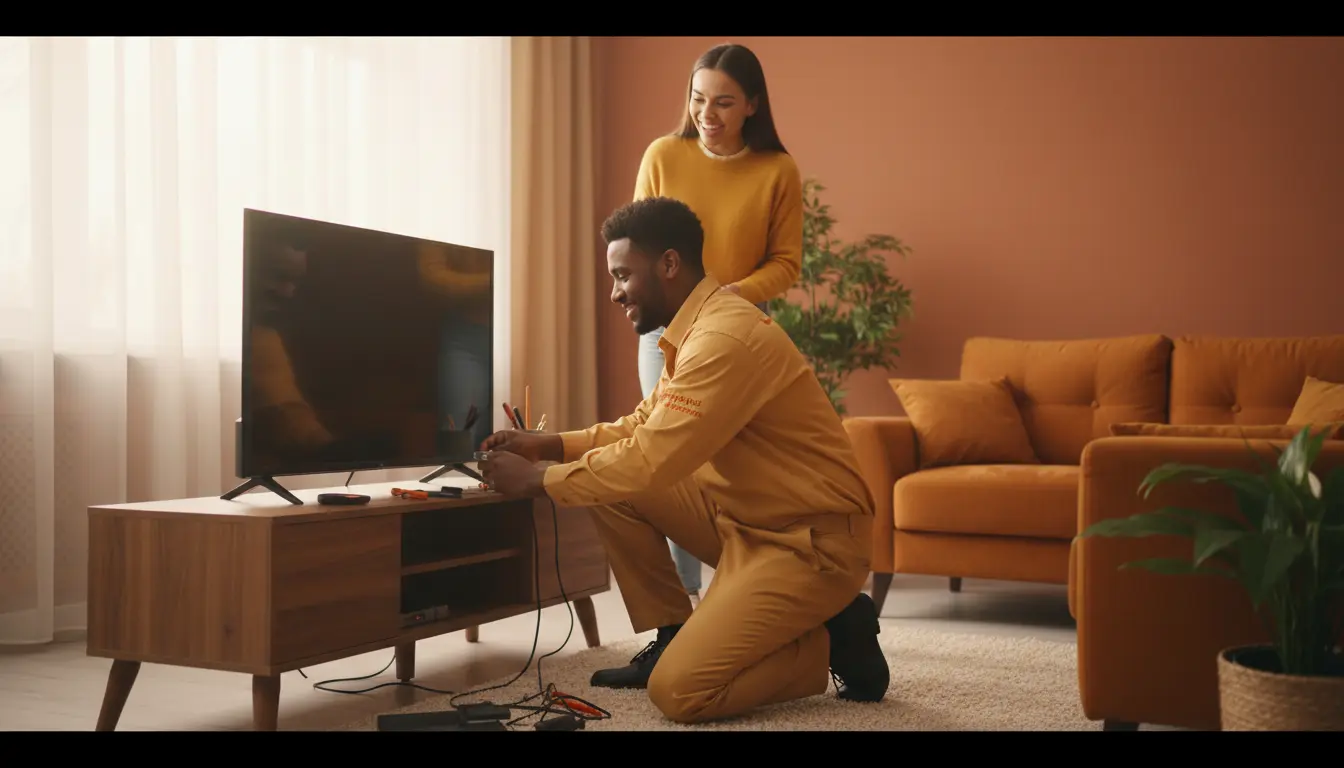
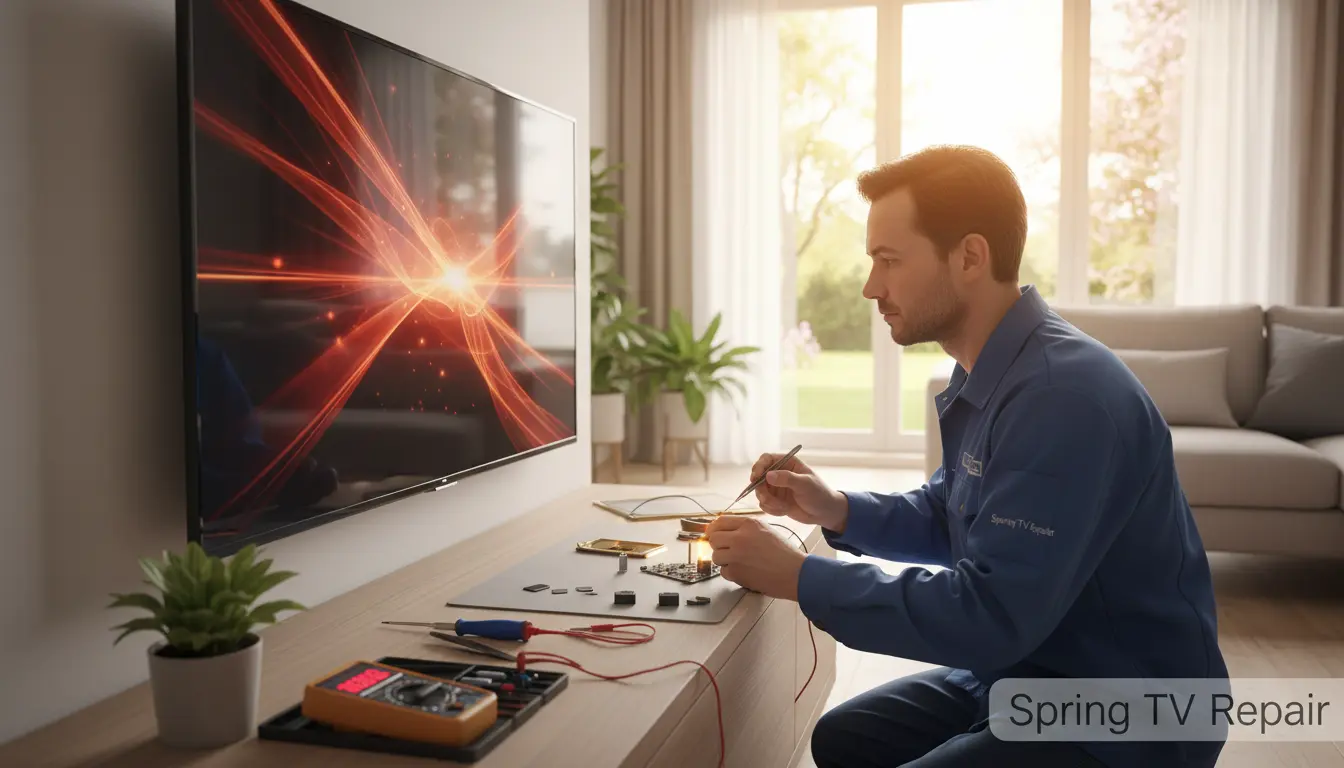
Our technicians diagnose issues on-site, often within the same day. We’ve fixed slowdowns in countless homes, from OLED displays lagging in high-end setups to basic LED models in family rooms. If your TV’s display flickers alongside slowness, explore our OLED Display Repair for premium fixes.
Serving areas like Woods of Northgate and Cochrons Crossing, we understand the unique needs of Spring residents. No more waiting weeks for corporate repairs—get personalized service that fits your schedule.
FAQ: Common Smart TV Slowdown Questions for Spring Residents
Why is my Smart TV slow after a software update?
Updates can introduce bugs or require more resources. Restart and clear cache; if it persists, a professional Firmware Update Service can rollback or optimize.
Can overheating cause my TV to lag in Spring’s heat?
Absolutely. Texas humidity amplifies this—ensure ventilation and avoid enclosed cabinets. For diagnostics, contact Spring TV Repair serving Benders Landing.
How often should I maintain my Smart TV?
Monthly cache clears and quarterly updates keep it smooth. In high-use Spring homes near Conroe, bi-annual pro checks prevent major issues.
Is a factory reset safe for my apps and settings?
It erases everything, so note logins first. Post-reset, reinstall essentials. If complications arise, our team in Champion Forest areas can assist.
What’s the cost of professional Smart TV repair in Spring?
Varies by issue—diagnostics start at $50. We offer transparent pricing for locals in Woods of Northgate and beyond.
Revive Your Entertainment: Contact Spring TV Repair Today
Don’t let a slow Smart TV steal your downtime in beautiful Spring, Texas. With these tips, you’ve got the tools to troubleshoot, but for guaranteed results, trust Spring TV Repair. We’re committed to fast, reliable service for residents in Cochrons Crossing, Conroe, and all Spring communities.
Ready to speed things up? Schedule a visit online or call us now. Your seamless viewing experience awaits—let’s make it happen!